Want to unify your customer data? Connecting your CRM to a CDP using APIs is the answer. Here's how it works:
- CRMs manage sales and customer interactions.
- CDPs centralize behavioral data like clicks, purchases, and website activity.
- APIs enable real-time data sync between the two, eliminating manual updates and ensuring all teams access accurate, up-to-date information.
This integration streamlines workflows, improves collaboration, and powers personalized marketing campaigns. By following steps like defining goals, mapping data fields, and ensuring privacy compliance, you can build a secure and efficient connection that transforms scattered data into actionable insights.
Key Takeaway: Real-time API integration between CRMs and CDPs empowers businesses to act on customer data instantly, driving better engagement and higher revenue.

5-Step Process for Connecting CRM to CDP via API Integration
Setup Salesforce Marketing Cloud Connection in Customer Data Platform (CDP)
Planning Your CRM–CDP API Integration
Take time to plan your integration before diving into the code. A well-thought-out plan ensures your integration solves real business challenges instead of adding unnecessary technical headaches.
Define Your Business Goals
Start by identifying the specific outcomes you want to achieve. For example, are you aiming to sync lead data in real-time so sales reps can instantly view website activity? Do you want to enhance CRM contacts with behavioral data to create more personalized email campaigns? Or is your focus on building remarketing audiences based on deal stages and product preferences?
Your goals will guide decisions about which data fields to sync and how often updates should occur. If you only need behavioral data flowing from your CDP into the CRM, two-way syncing might not be necessary. Choose 2–3 clear goals to keep your integration streamlined and measurable. This helps you avoid unnecessary complexity and ensures your efforts align with business needs.
Inventory and Map Your Data
Create a list of the key data fields you’ll need to sync, such as customer IDs, names, email addresses, phone numbers, company names, deal values, and timestamps. Then, match these fields between your CRM and CDP. For instance, what your CRM labels as "Lead Source" might be referred to as "Acquisition Channel" in your CDP.
Standardize U.S. data formats to avoid sync errors. Use formats like (555) 123-4567 for phone numbers, MM/DD/YYYY for dates, and $1,234.56 for currency. Mismatched formats can lead to duplicate records and other issues. A simple spreadsheet can help map each CRM field to its CDP counterpart, noting any necessary format conversions along the way.
Meet Privacy Regulation Requirements
If your data includes information from European or Brazilian customers, ensure compliance with GDPR and LGPD. Your integration must honor consent preferences. For instance, if a customer opts out of marketing emails, that decision needs to be reflected across both systems immediately.
To stay compliant, integrate consent management into your workflows from the start. Track where data originates, when consent was granted, and what it covers. Document your data retention policies and ensure both your CRM and CDP can delete customer data on request. Prioritize privacy and security - legal guidelines dictate what’s permissible, while technical safeguards protect data during transfer and storage.
Once your goals are clear, your data is mapped, and privacy considerations are addressed, you’re ready to move on to configuring API connections and authentication.
Setting Up API Connections and Authentication
After planning your integration, the next step is establishing secure API connections and authentication. This is the backbone of any successful CRM–CDP integration. Without properly configured credentials, your data flow could be disrupted, or worse, exposed to security vulnerabilities.
Understanding Authentication Methods
When it comes to securing CRM–CDP integrations, OAuth 2.0 is the go-to method. It allows you to grant limited access without sharing sensitive passwords. To set this up, create an external client app in your CDP to manage OAuth 2.0 authentication. This process will generate a Consumer Key and Consumer Secret. Keep these credentials secure, as they are required for every API call.
Before connecting to production systems, ensure your organization has the necessary licenses. Also, verify that users have appropriate profiles, such as "Minimum Access - API Only Integrations", with the permissions they need to operate effectively. Once your authentication setup is ready, configure separate testing environments to protect your production data during early stages.
Configure Your Environments
Always test API connections in dedicated development and staging environments. These are essential for catching potential issues before they affect live customer data. Use your development environment to write and debug code, while the staging environment replicates production settings for thorough testing.
For OAuth testing, set your callback URL to a local server, such as localhost:3000. This URL must match the one configured in your external client app. During initial testing, you can temporarily disable the "Require Proof Key for Code Exchange (PKCE) Extension" to simplify the process. Just remember to re-enable it before moving to production for added security.
Pay close attention to OAuth scopes, which define what your integration can access. Common scopes include:
-
cdp_query_apifor reading data -
cdp_ingest_apifor writing data -
refresh_tokenfor maintaining long-term access
Stick to the principle of least privilege by requesting only the scopes your integration truly needs.
Validate Your API Connections
Once your credentials are set, it's time to test your API endpoints. Start with a basic GET request to retrieve a small dataset. A successful connection will return an HTTP 200 status code. If you encounter issues, here’s what common errors mean:
- 401: Invalid credentials
- 403: Insufficient permissions
- 500: Server error
Use sandbox environments or trial periods for extensive testing before moving to full integration. This ensures you can identify and resolve issues without disrupting live processes. Test data validation by sending sample records and confirming they appear correctly in both systems.
Keep an eye on platform logs during initial API calls. These logs will provide details about request errors or connection failures. If something doesn’t work, double-check your API endpoint URL, ensure your credentials are valid, and confirm your network allows outbound HTTPS traffic. Often, the root cause is something as simple as a typo or a firewall blocking the request.
sbb-itb-77d5bc3
Building Data Workflows Between CRM and CDP
After setting up secure API connections, the next step is to design the right workflow for transferring data between your CRM and CDP. These workflows address specific business needs, and choosing the right one ensures your systems work together efficiently.
Core Data Integration Patterns
One-way syncing transfers data in a single direction - from your CRM to your CDP. This is perfect for adding sales interaction data, contact updates, or deal stages to your CDP. Marketing teams often rely on this to launch campaigns triggered by sales activities, without needing to send data back to the CRM.
Two-way syncing ensures both systems stay updated, sharing changes from either side. For instance, if a sales rep updates a contact's phone number in the CRM, it flows to the CDP. Similarly, if a lead score is modified in the CDP, it syncs back to the CRM. This setup keeps sales and marketing teams aligned but requires clear rules to resolve conflicts when updates happen simultaneously in both systems.
Event streaming captures real-time behavioral data and sends it directly to your CDP. Actions like website visits, product usage, email clicks, or form submissions are streamed continuously instead of in scheduled batches. This approach supports instant personalization and quick responses to customer actions, making it ideal for fast-paced sales and time-sensitive marketing efforts.
Next, let’s look at how real-time lead capture can supercharge these workflows.
Real-Time Lead Capture with MagicTag
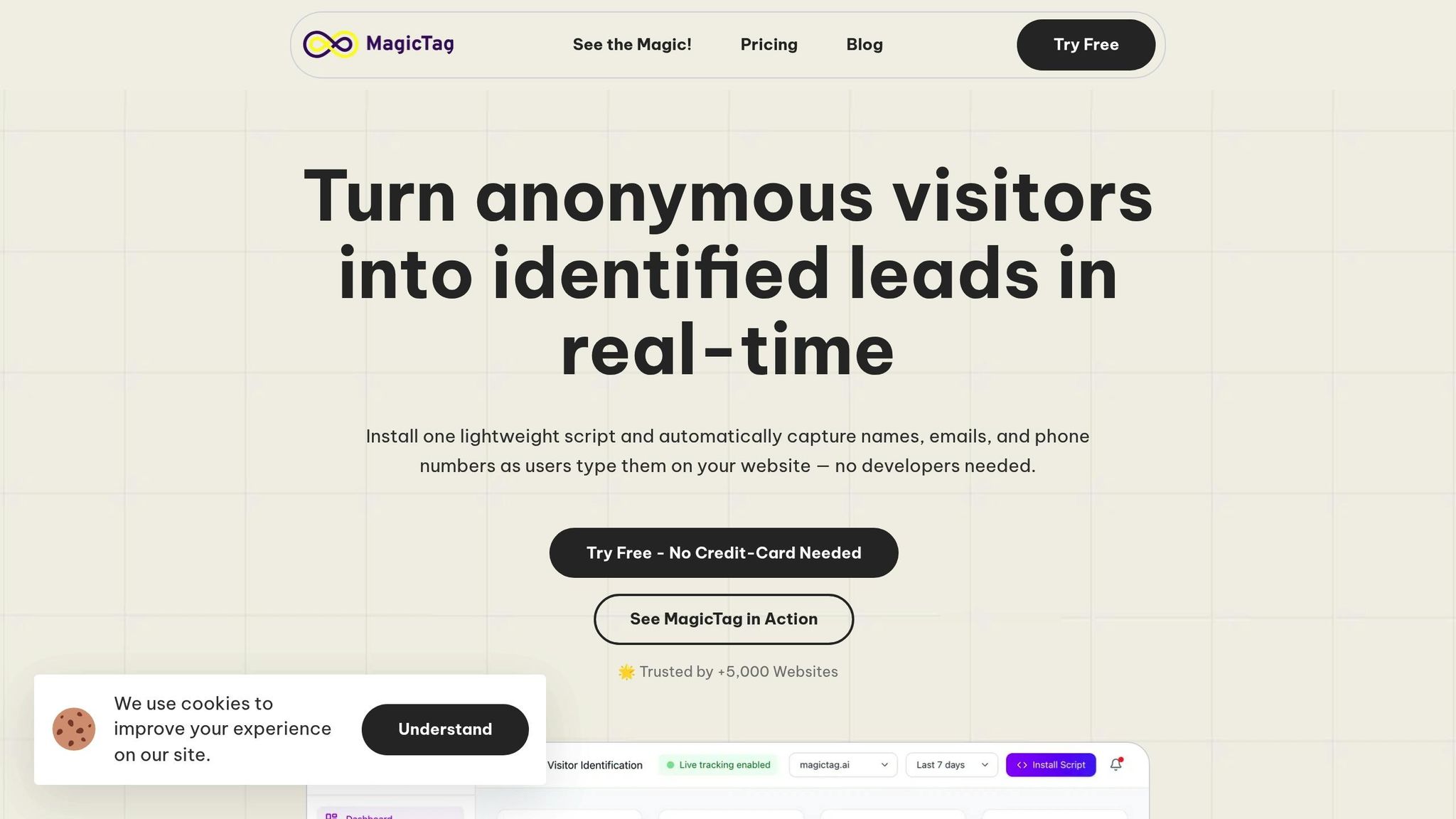
Unlike traditional methods that only collect data when a form is fully submitted, MagicTag captures partial lead data in real time - even if the form is abandoned.
Here’s how it works: MagicTag sends the captured data directly to your CRM using a webhook or API as soon as the information is entered. From there, the data flows into your CDP, enabling remarketing and lead recovery efforts. This real-time approach can identify up to 12x more leads compared to relying solely on complete form submissions, giving your marketing team a much larger pool of contacts for retargeting and nurturing campaigns.
MagicTag integrates seamlessly with the webhook endpoints you’ve already set up for your CRM, so no additional infrastructure is needed. Once in your CDP, these partial leads can be segmented, scored, and added to automated campaigns specifically designed for users who abandon forms.
Working with API Endpoints and Payloads
The integration between your CRM and CDP depends on specific API endpoints to create and update customer records. The primary operations include creating new contacts and updating existing customer attributes. For example, creating a new contact typically involves making a POST request to an endpoint like /api/contacts or /api/leads, depending on your CRM's structure.
Your JSON payload should include key customer identifiers such as user_id, email, and phone to ensure accurate identity resolution. Additional fields might include behavioral data (e.g., website visits, purchase history), lead scores, and customer preferences. For instance, when MagicTag captures form data, the payload might look like this:
{"email": "user@example.com", "name": "John Smith", "phone": "+1-555-0123", "source": "contact_form", "timestamp": "2025-12-14T10:30:00Z"}.
Standardizing field names and data formats between systems is critical for smooth integration. Use established data mappings and apply format conversions as needed. Real-time synchronization is ideal for immediate updates, while batch processing is better suited for handling historical data or scheduled bulk transfers.
Once your payloads are properly structured and standardized, the next step is to test and monitor your workflows for accuracy and performance.
Testing, Monitoring, and Maintaining Your Integration
Once your workflows are up and running, the next step is to ensure they stay that way. This means prioritizing thorough testing, constant monitoring, and regular maintenance. After all, poor data quality can cost organizations up to $15 million annually. By focusing on these areas, you can avoid costly issues and keep your CRM–CDP integration operating smoothly.
Test Data Flows and Quality
Start by setting clear benchmarks for data accuracy, completeness, consistency, timeliness, uniqueness, and validity. Then, create test data that mirrors a variety of real-world scenarios.
Your primary goal during testing should be to ensure data integrity throughout the entire workflow. For instance, check that customer records remain accurate and intact as they move between systems. Confirm that fields are consistent and that any necessary format transformations occur correctly. If your CDP calculates lead scores based on CRM data, verify that those scores are accurate before syncing them back to the CRM.
Other key steps include verifying referential integrity, eliminating duplicate records, and ensuring all required fields are properly filled in both systems. To make sure the integration aligns with actual user needs, conduct user acceptance testing (UAT) by involving end-users in the process.
Automating your testing processes can save time and reduce errors. Integrate these tests into your CI/CD pipelines and schedule regular test runs to catch issues caused by API updates or internal changes before they disrupt your business. Once data quality is validated, keep monitoring these metrics to address potential problems early.
Monitor Your Integration
Continuous monitoring is essential for catching problems before they spiral out of control. Keep an eye on key metrics like API response times, error rates, data throughput, and sync delays between your CRM and CDP. Set up automated alerts for issues such as integration failures, webhook problems, or unexpected API schema changes - like when an API response suddenly omits an expected property.
Effective API-based integration requires the right tools and strategies. Platforms like Postman API Platform, Apigee API Management (Google), Microsoft Azure API Management, or Kong Gateway can help you track performance and automate routine maintenance tasks. To handle temporary API errors or rate limit issues, implement retry mechanisms with exponential backoff. Monitoring API usage is also critical to staying within rate limits and optimizing the number of calls.
Maintain and Update Your Integration
Once testing and monitoring are in place, regular maintenance ensures your integration keeps pace with changing needs. Stay informed about provider updates and upgrade your systems regularly to avoid last-minute migrations. Avoid relying on deprecated endpoints or parameters, as these are likely to be removed in future updates.
Perform quarterly audits to evaluate data quality, accuracy, and any gaps in your integration. Since data scientists spend roughly 60% of their time cleaning and organizing data, routine maintenance can help minimize this workload.
Comprehensive documentation is another cornerstone of effective maintenance. Keep detailed records of your integration's purpose, authentication methods, rate limits, testing procedures, and potential backup services. Store this information in accessible locations like internal wikis or engineering handbooks. Additionally, review your compliance settings regularly to ensure they meet modern security standards like TLS 1.3, AES-256, and OAuth 2.0, and that they align with regulations such as GDPR.
As your business grows and evolves, revisit your data integration strategies, quality benchmarks, and governance protocols to ensure they continue to meet your needs. By staying proactive, you can keep your CRM–CDP integration running smoothly and turn your customer data into actionable insights that drive your business forward.
Conclusion and Key Takeaways
Integrating your CRM with a CDP through APIs brings all your scattered customer data into one place. Done effectively, this integration eliminates data silos, giving every department access to unified customer insights. The payoff? More tailored marketing campaigns, smoother workflows, and the ability to act on insights when they matter most.
Why Integration Matters
Automation is a game-changer. By cutting out manual data entry, your team can focus on strategy instead of repetitive tasks. This operational boost translates into better customer experiences: your sales team knows exactly where each lead stands, your marketing team can launch campaigns based on real-time actions, and your support team has all the context needed to assist customers effectively.
Integration also supercharges lead recovery. Take tools like MagicTag, for example - it captures user data in real time as visitors type into forms, even if they don’t hit submit. By linking MagicTag with your CRM–CDP setup via webhooks or APIs, you can uncover up to 12 times more leads than traditional form submissions. This means recovering abandoned carts, re-engaging potential customers, and making the most of every website visit, all while staying compliant with GDPR and LGPD regulations.
With these benefits in mind, implementing this integration becomes a clear next step.
Next Steps to Get Started
Start by setting clear business goals and identifying the data points that matter most to your organization. Before going live, ensure your data mapping and testing processes are solid. Once integrated, keep an eye on performance with regular audits, stay updated with API changes, and refine your approach based on how customers actually behave.
For real-time lead capture, tools like MagicTag are a great starting point - offering a free plan for up to 1,000 users. Combining strong API integration with real-time data collection gives you the insights needed to turn customer information into real revenue opportunities.
FAQs
What are the advantages of connecting a CRM to a CDP using APIs?
Connecting a CRM to a CDP using APIs can bring a lot of advantages to businesses. For starters, it simplifies data integration, combining customer information from various sources into one centralized system. This unified view makes it easier to deliver tailored customer experiences, using enriched, up-to-the-minute data for more precise marketing and stronger engagement.
On top of that, APIs provide access to real-time insights into customer behavior, enabling businesses to make faster, data-backed decisions. This integration not only improves data accuracy and streamlines workflows but also enhances marketing effectiveness, uncovers more sales opportunities, and helps strengthen customer loyalty.
How can I make sure my CRM and CDP integration meets privacy regulations?
When it comes to compliance, it’s crucial to prioritize managing user consent efficiently and setting up automation for handling data deletion requests. Build your processes around solid data governance practices and incorporate privacy-by-design principles right from the start. Make sure your efforts align with major regulations like GDPR and CCPA to safeguard user data and maintain high privacy standards.
How does OAuth 2.0 ensure secure integrations between CRMs and CDPs?
OAuth 2.0 strengthens the security of CRM and CDP integrations by using temporary access tokens rather than sharing sensitive login credentials. This approach minimizes the risk of credential theft and allows businesses to restrict access based on specific roles or permissions.
With OAuth 2.0 in place, companies can better protect customer data, uphold privacy standards, and ensure that only approved systems or users have access to the necessary information.